Intercom Net Notifier
Home intercom notifier via Internet messenger DIY with ESP32
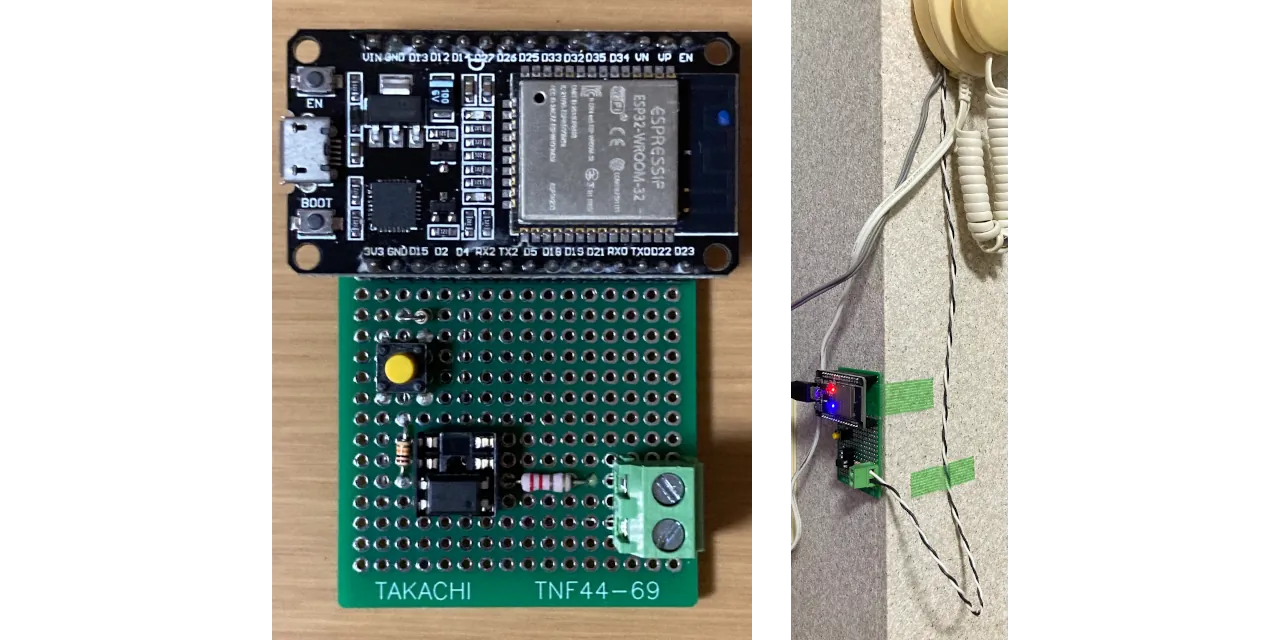
Usage
Test key
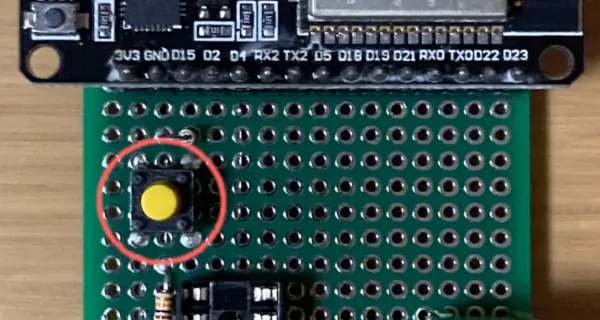
Press to dispatch messaging manually as a test.
LED indication
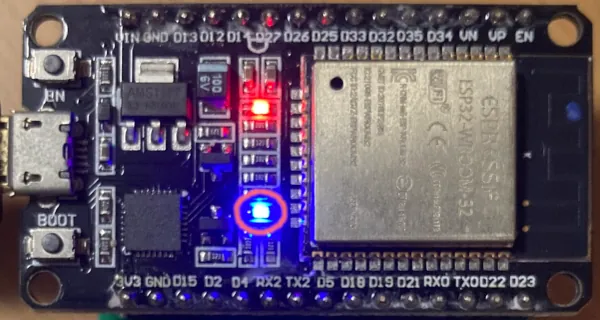
- Slow blink (1sec period)
- Could not detect Wi-Fi device
- Turn OFF
- Wi-Fi not connected
- Turn ON
- Wi-Fi connected
- Quick blink (200msec period)
- Signal detected and messaging process dispatched
Deployment
Circuit wiring

Set MCU communication secrets
Copy include/comm_secrets_template.h to include/comm_secrets.h, then fill out these values.
WIFI_SSIDWIFI_PASSDISCORD_WEBHOOK_URLLINE_CHANNEL_ACCESS_TOKEN
MCU program uploading
Connect MCU (ESP32) and PC with USB cable.
Open repository root directory by VSCode with PlatformIO extension. Then upload.

Or you’d like to use CLI:
wget -O get-platformio.py https://raw.githubusercontent.com/platformio/platformio-core-installer/master/get-platformio.py
python3 get-platformio.py
rm get-platformio.py

pio run -t upload
Install to intercom system
Wire circuit input and home intercom system signal output.
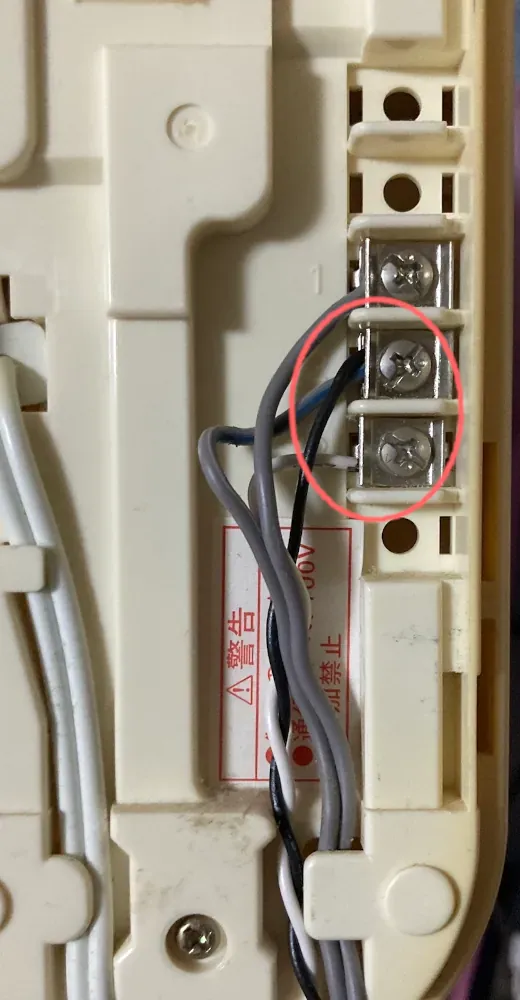
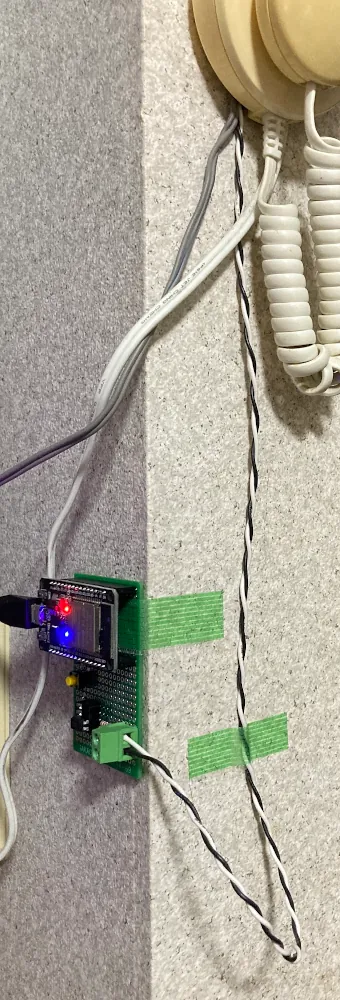
Modification guide
Circuit
MCU board
You can migrate to other MCU board of MCU32 Dev Module. Migration requirements are:
- It includes or connectable Arduino compatible Wi-Fi module
- It has compatible development environment of Arduino
Isolation circuit
Resistors value and photo-coupler type have to be adapted to intercom system signal output specification. If you say the intercom signal output is clean and same voltage level as MCU IO, may be you can connect it directly (but keep isolated them is safe for the MCU).
Test key circuit
It’s optional. You can omit when it’s unnecessary.
If you omit it, comment main.c:13 line:
#define TEST_KEY_ENABLE
MCU program
PlatformIO config (when MCU board migrated)
platform and board selection in platformio.ini need to be modified with MCU board selection.
GPIO pin number
If you wish to use LED indication and the onboard (or external) LED pin is changed, main.c:18 have to be changed with connected pin number.
static const uint8_t ONBOARD_LED = 2; // At ESP32 Dev Module
When you changed GPIO pin number with circuit wiring, main.c:19~21 have to be changed with connected pin number.
static const uint8_t INTERCOM_SIG = 4;
Messaging process
To add target messenger services, add posting function code via API to lib/messenger_post_simple/messenger_post_simple.cpp/.h. Then call it from main.c:61~62:
discord_webhook_post(DISCORD_WEBHOOK_URL, "Doorbell rang");
line_broadcast_post(LINE_CHANNEL_ACCESS_TOKEN, "Doorbell rang");
I recommend separate secrets data (e.g. access token) to include/comm_secrets.h.
This program posts to Discord and LINE. If it unnecessary, delete or comment the/these line(s).