Web DMX Dev-Docs Index
Web DMX Develop Documentation Index
Project maintained by aKuad Hosted on GitHub Pages — Theme by mattgraham
Usage
Here is a client UI usage guide.
Channel fader tab
The faders can be switch to show only 64 channels.
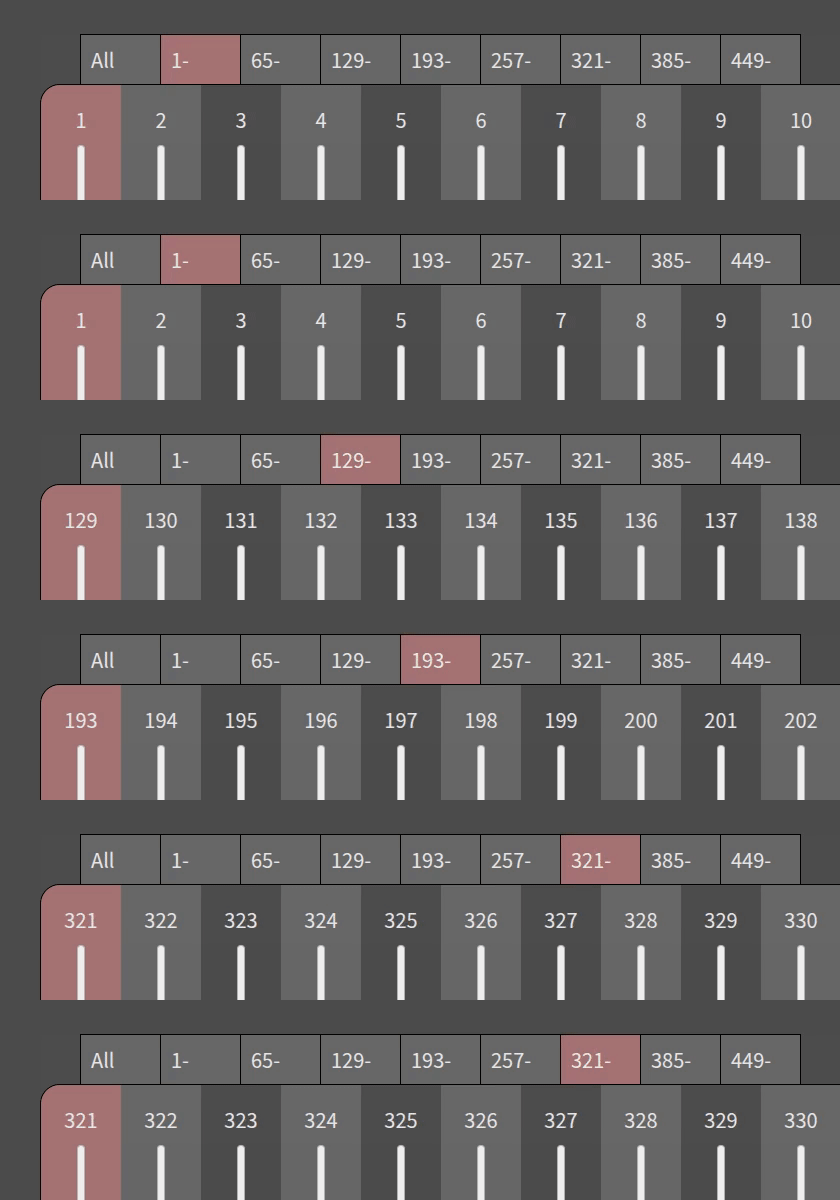
Key control is also available. Ctrl + 1…9 key, then select a tab ‘All’…‘449-‘.
Channel value control
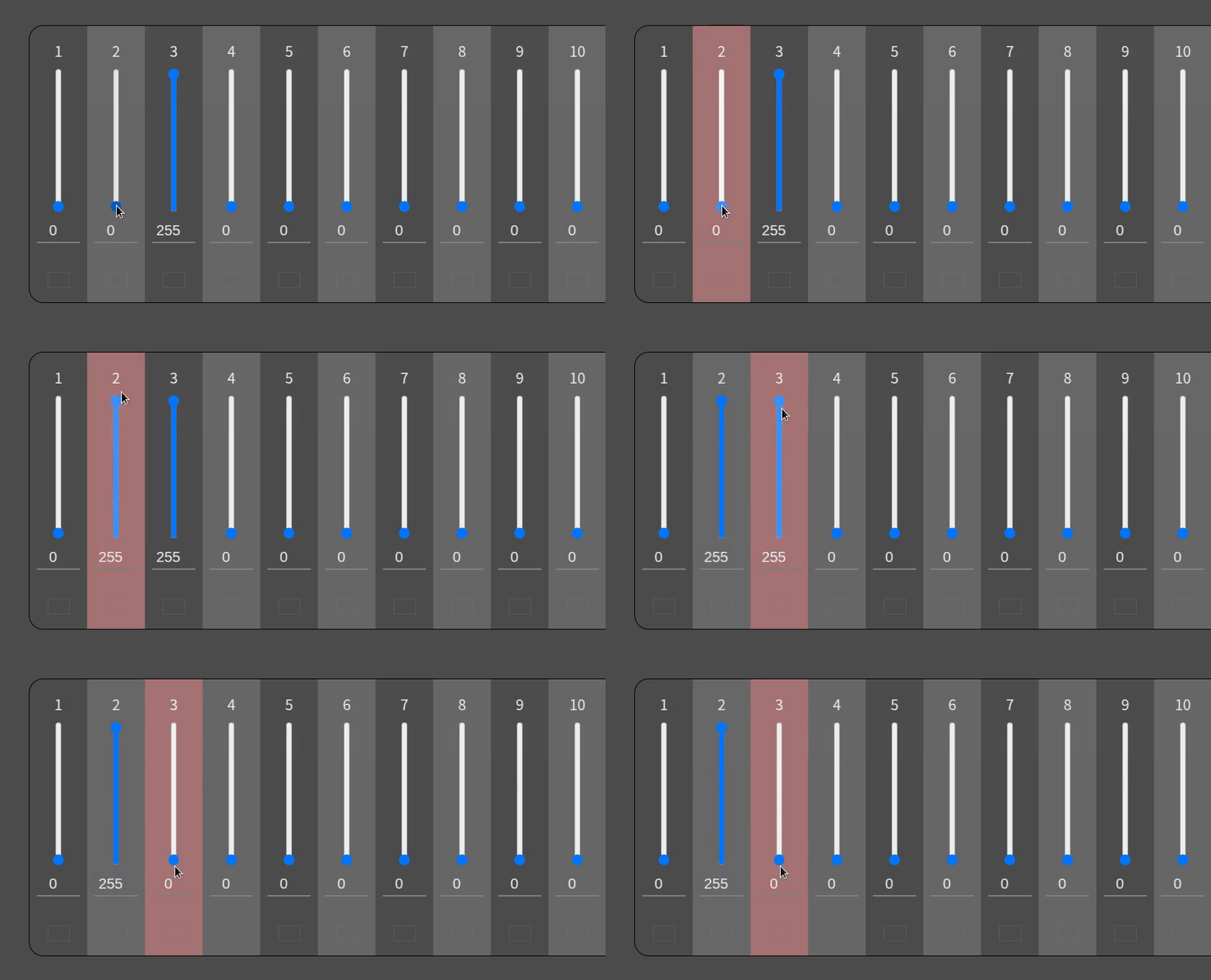
The faders can control with mouse or cursor keys.
Mouse control:
Cursor key control:
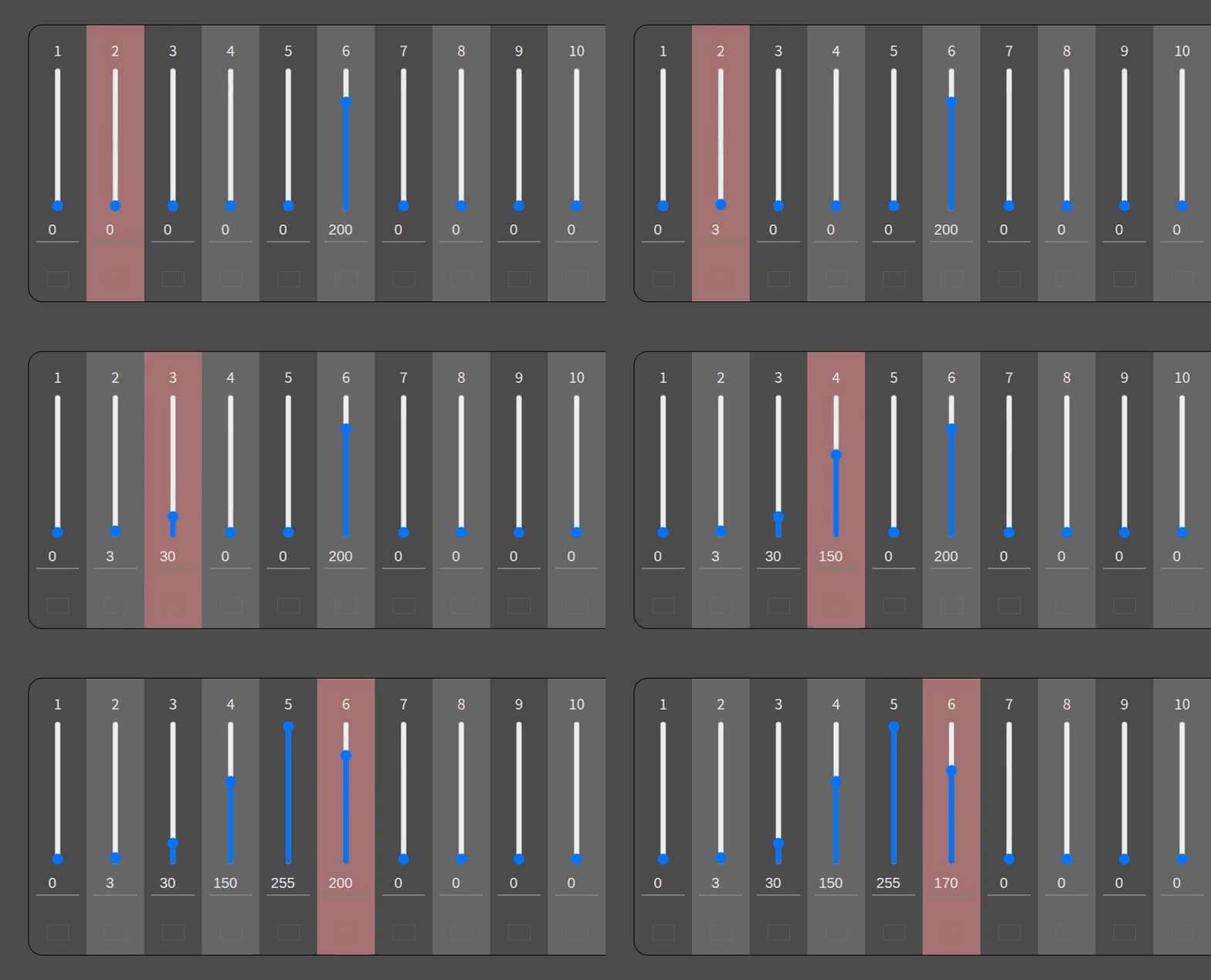
- left/right key
- Change current channel (current channel is red background)
- left/right key with holding:
- Shift: 5 channel/step
- Ctrl: 20 channel/step
- Alt: 50 channel/step
- up/down key
- Current channel value increase/decrease
- up/down key with holding:
- Shift: 10 value/step
- Ctrl: 50 value/step
- Alt: 255 value/step
You’d like to try it? UI demo is available.
User label
You can write custom text above each faders.
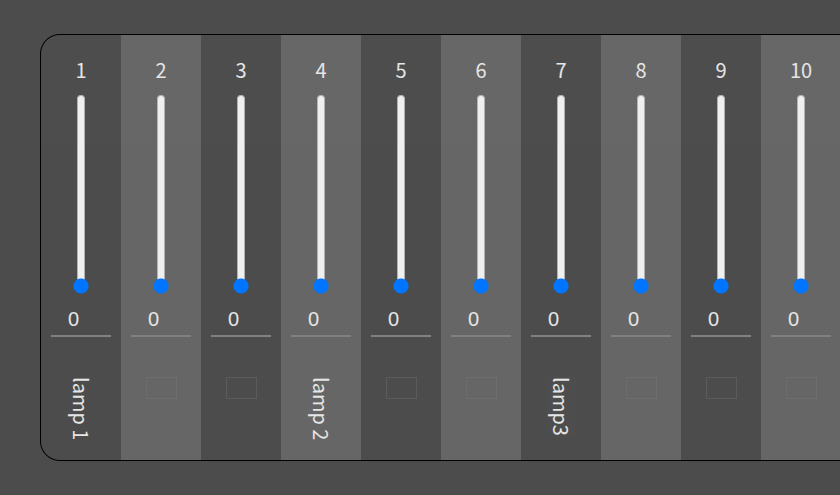
Note: Labels won’t be synchronized with other devices. The view applies only own device.